Turn your photo into pixel art
Upload a photo and the studio redraws it as 16-bit pixel art, like a character select screen from a 90s console game. Free to try.
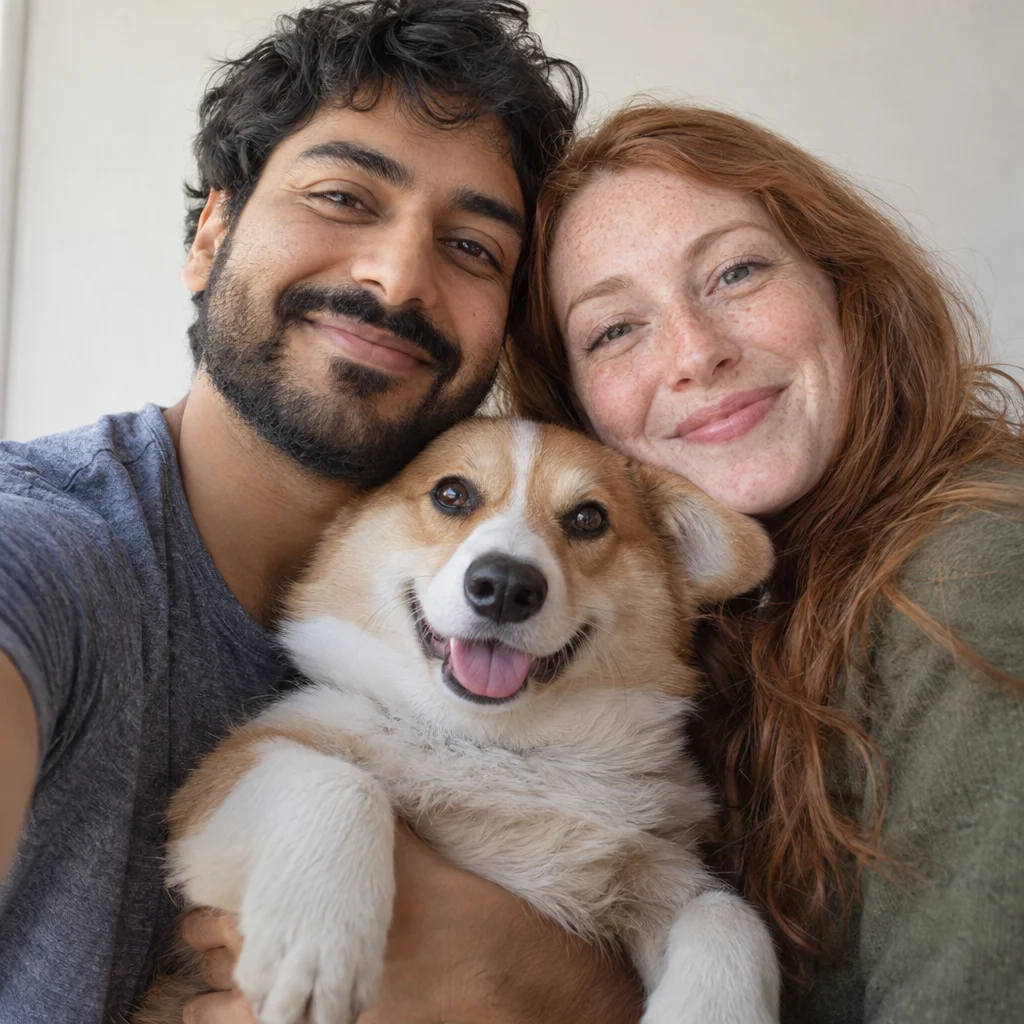
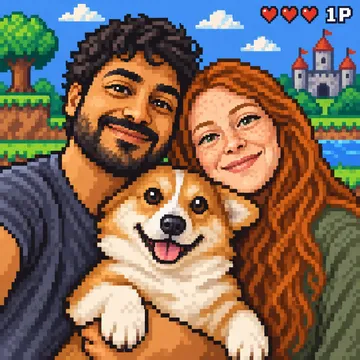
Photo to pixel art in about a minute: upload a picture and the Toonzon studio rebuilds it from chunky square pixels, a limited colour palette, crisp outlines and a simple game-world background of hills, clouds and castles. You still look like you, only now you could be the hero of a side-scrolling game.
This pixel art maker is free to try, and the pixel art you make is yours. Download it in full resolution for a profile picture, a stream overlay or the title screen of a game you are building, or print it on stickers, a mug or a phone case for the gamer in your life.
Choose your product
Prices include printing. Shipping is added at checkout, with your delivery date shown before you pay.
- Custom Canvas from €25.99
- Custom Enhanced Matte Paper Framed Poster from €32.99
- Custom Enhanced Matte Paper Poster from €15.99
- Custom White Glossy Mug from €13.99
- Custom Unisex Staple T-Shirt from €26.99
- Custom Unisex Heavy Blend Hoodie from €39.99
- Custom Throw Blanket from €36.99
- Custom Tough Case for iPhone from €27.99
- Custom Kiss-Cut Stickers from €6.99
- Custom All-Over Print Premium Pillow from €23.99
Styles that look good on it
The same photo in different styles. Pick one in the studio or describe your own.
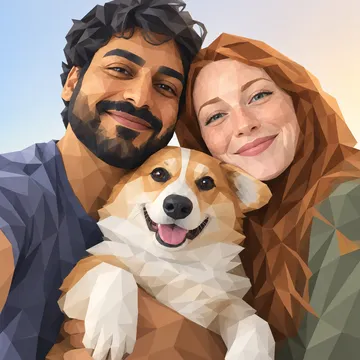
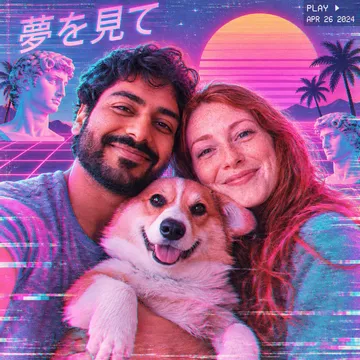
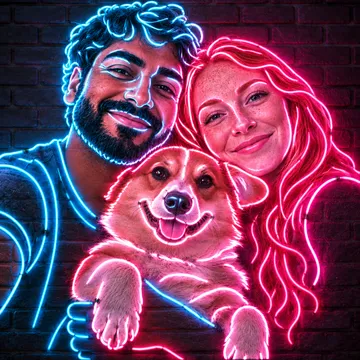
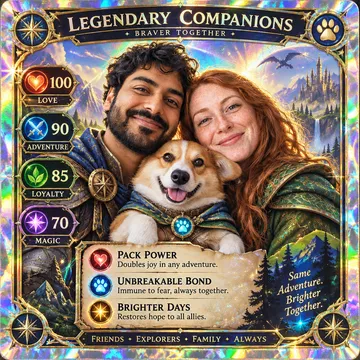
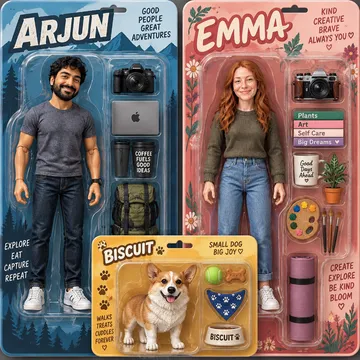
Examples made in the studio from one photo. Generated pictures, not customer orders.
How it works
- Upload a photo: People, pets, places. Faces in good light work best.
- Pick a style: Or describe your own. You see the art before you spend a cent on a product.
- Put it on anything: Place it on the product, preview it, and we print it to order.
What 16-bit pixel art looks like
Think of the home consoles of the early 90s: every shape built from visible square pixels, a small palette of colours, crisp outlines and shading in hard steps instead of smooth gradients. The studio draws hair as clusters of pixels, turns a smile into a few careful dots and adds a little scenery behind you, such as a castle on a hill or a row of hearts like a health bar. The result reads clearly even when it is small.
Pixel art maker or pixelate filter?
A pixelate filter shrinks your photo into blurry blocks, the effect used to hide a face on the news. That is not what happens here. The studio redraws the picture as pixel art, deciding where each outline, highlight and shadow goes, the way a game designer would. You don’t get a grid-size slider or palette controls, but you do get a finished character portrait. For a different feel, describe it: “8-bit, even chunkier pixels” or “night scene with a pixel moon”.
Photos that work as pixel art
Pixel art has little room for detail, so close-ups beat wide shots. A selfie, a couple’s portrait or a pet looking straight at the camera gives each face enough pixels to stay recognisable. Bold clothing colours and distinctive hair, like red curls or a beard, carry well into a small palette. Avoid tiny figures in a big landscape. If you want the whole party in pixels, add several photos instead of one crowded group shot.
Pixel art you can stick, wear and hang
Pixel portraits are made for small, everyday things. Kiss-cut stickers in 3, 4 or 5.5 inches go on laptops and controllers. A tough iPhone case, printed by sublimation so the ink becomes part of the surface, keeps the art with you. Mugs, tees and hoodies suit a gaming room. For bigger pieces, a framed poster turns your pixel family into a retro game cover above the desk, and a throw blanket puts the whole party on the sofa.
Our promise
- Free previews: Your first portraits are free, and you see the art before you order.
- Made to order: Printed for you in 2 to 5 business days, never pulled from a warehouse.
- Shipped worldwide: Tracked delivery to 43 countries, with the date shown before you pay.
- Reprint guarantee: Arrived damaged, misprinted or wrong? Send a photo within 30 days and we reprint it or refund you.
Questions and answers
Is this pixel art maker really free?
Your first pixel portraits are. You start with 20 credits and get 10 more every month, and one image costs between 1 and 4. Credits from failed generations are refunded, and every product order gives you 10 credits back.
How do I turn a photo into pixel art?
Drop the photo into the studio and select 16-bit pixel art; the result appears within a minute. Not quite right? Run it again or add a line describing what you want, such as a different background. Then download it or put it on a product.
Can I choose the grid size, like 32x32 or 64x64?
No. Toonzon is not a pixel editor with grid or palette settings; the studio redraws your photo in a 16-bit style. You can ask for chunkier or finer pixels in your own description, and the full-resolution download can be scaled down in any image editor.
Can I pixelate a photo to hide a face?
This tool does the opposite: it keeps faces recognisable. To blur or block out a face for privacy, use the mosaic or blur tool in a photo editor. Come here when you want the face turned into pixel art, not hidden by it.
Why not ask ChatGPT for pixel art?
You can, and with a well-written prompt it may work. Here the 16-bit style is ready, the studio keeps everyone recognisable, up to eight photos can share one scene, and the pixel art can be printed on stickers or a phone case and shipped to you.